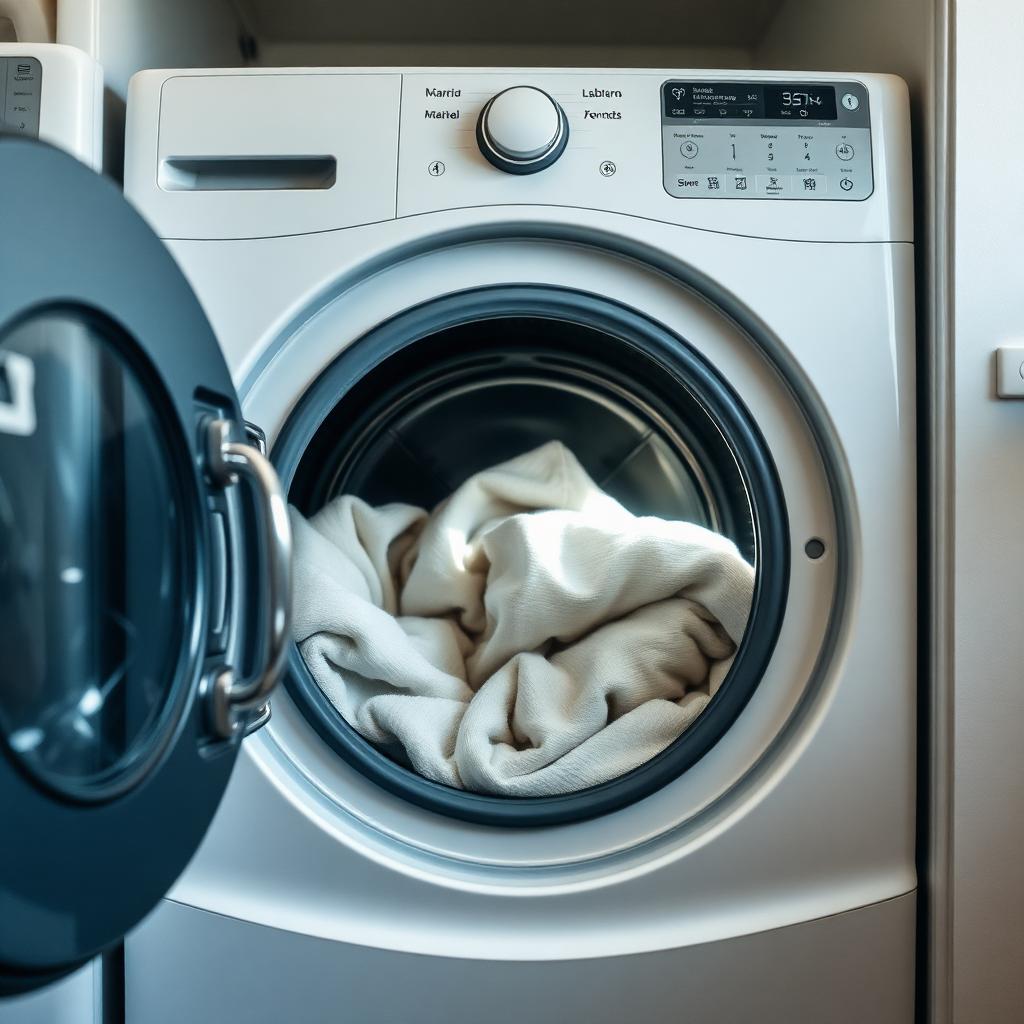
Your Samsung dryer is turning. The timer is counting down. Everything appears normal—but your clothes are still cold and wet.
Does this mean you need a new dryer?
Usually, no.
A Samsung dryer that stops heating often has a repairable electrical, airflow, or heating-system problem. In many cases, repairing the dryer costs significantly less than replacing it.
Here is how to check the basic causes safely before scheduling a professional Samsung dryer repair.
The Problem: No Heat or Clothes Take Too Long to Dry
The two most common complaints are:
- The dryer runs but produces no heat.
- The dryer heats slightly, but clothes take two or three cycles to dry.
These symptoms may look similar, but they can have different causes.
A dryer that produces no heat at all may have a power-supply problem, failed heating element, thermal fuse, thermostat, damaged wiring, or control issue.
A dryer that produces heat but takes too long to dry is more likely to have restricted airflow, an overloaded drum, an incorrect cycle selection, or a partially blocked exhaust vent.
Samsung confirms that restricted venting can reduce heating performance and greatly increase drying time. A blocked vent can also create a fire risk and cause heating components to fail prematurely.
How to Diagnose a Samsung Dryer That Is Not Heating
Complete these basic checks before assuming that the heating element has failed.
Check the drying program
Choose Time Dry and select a high-temperature setting.
Avoid testing only on an automatic or sensor cycle. The dryer may reduce heat based on moisture readings, load size, Eco Dry settings, or cycle programming.
Run the empty dryer for approximately two minutes. Open the door carefully and check whether the drum feels warm.
Test another program, such as Normal or Heavy Duty, to determine whether the problem happens on every cycle.
If the dryer heats on Time Dry but not on an automatic cycle, the problem may involve the selected settings or moisture-sensing system rather than the heating element.
Reset the circuit breaker
A Samsung electric dryer requires a 240-volt supply using a two-part breaker. One side of the breaker can sometimes trip while the other remains active.
When that happens, the drum may continue turning even though the dryer cannot produce heat.
Switch both dryer breakers completely off, wait approximately 30 seconds, and turn them back on. A tripped breaker can sometimes appear to be in the normal position, so it is important to reset it fully. Samsung recommends this procedure when checking dryer power problems.
If the breaker trips again, stop using the dryer and contact a licensed electrician or appliance technician.
Reset the dryer
Unplug the dryer or switch off its breaker for approximately five minutes. Restore the power and test it again on Time Dry.
Leaving it disconnected for 45 minutes will not normally cause a problem, but Samsung states that one to five minutes is generally enough to clear the dryer’s stored electrical charge. Resetting may clear a temporary electronic error, but it will not repair a physically burned heating element.
Check the lint filter and exhaust vent
Remove and clean the lint filter, even if it appears reasonably clean.
Inspect the flexible vent behind the dryer. Make sure it is not crushed, twisted, disconnected, or filled with lint.
If it is safe and accessible, disconnect the exhaust hose from the back of the dryer and run Time Dry briefly. If the dryer becomes hotter with the vent disconnected, the household vent is likely restricted.
Do not continue operating the dryer without reconnecting the vent. This is only a brief diagnostic test.
Samsung recommends cleaning the exhaust system regularly and checking for restricted airflow when a dryer takes too long to dry.
The Likely Solution
If the breaker, settings, lint filter, and exhaust vent are all correct but the dryer still produces no heat, a failed heating-system component becomes more likely.
Common possibilities include:
- Burned-out heating element
- Failed thermal fuse
- Failed high-limit thermostat
- Damaged wiring or terminal
- Faulty temperature sensor
- Control-board or heater-relay problem
- Incorrect voltage reaching the dryer
The heating element is a common failure, but it should be tested before parts are ordered.
A technician normally disconnects the power, opens the dryer, inspects the heating assembly, and uses a multimeter to test the element, fuses, thermostats, and power supply.
Homeowners should not bypass a thermal fuse or test live 240-volt wiring. Samsung warns that bypassing safety components can create a fire or equipment-damage risk.
For many Samsung dryers over approximately three years old, we may recommend replacing the complete heating-element assembly instead of replacing only the internal coil.
The assembly may include the heater housing, element, thermal protection, and related components. This can provide a more complete repair when several heating parts have already experienced years of high temperatures.
The exact assembly must always be confirmed using the complete model number, including the suffix after the slash.
Technician’s Recommendation: Repair or Replace?
In most cases, a Samsung dryer with a failed heating element is worth repairing.
The heating element is a normal wear component. Its failure does not automatically mean that the motor, drum, or control system is finished.
Most customers approve this repair because replacing the dryer can cost two or three times more after adding:
- The new dryer
- Delivery
- Installation
- Removal of the old machine
- A new vent hose or power cord
- Possible stacking or access charges
When the dryer is already open, ask the technician to inspect the:
- Drum rollers
- Idler pulley
- Drive belt
- Drum seals
- Lint buildup
- Wiring around the heater
If the rollers, pulley, or belt are worn, replacing them during the same visit can save future labour because the dryer has already been disassembled.
However, parts should not be replaced unnecessarily. A good technician should inspect them, explain their condition, and provide the additional price before completing extra work.
Repair may not be recommended if the dryer has several major problems, severe rust, a failing motor, extensive wiring damage, or an expensive control-board failure in addition to the heating problem.
Samsung Dryer Heating-Element Repair Cost
Pricing depends on the exact model, part availability, dryer location, and whether the complete assembly or only one component is required.
A typical Samsung dryer heating repair may include:
- Heating-element assembly: approximately $180–$300
- Professional labour: approximately $220–$280
- Estimated combined repair: approximately $400–$580, before applicable taxes or additional work
The final price may be lower when only a fuse or thermostat is required. It may be higher when the dryer has restricted access, damaged wiring, multiple failed components, or additional worn mechanical parts.
In many cases, customers initially consider buying a new dryer. After comparing the replacement, delivery, installation, and removal costs, they decide that repairing the existing machine provides better value.
Samsung Dryer Models Commonly Affected by Similar No-Heat Problems
This troubleshooting process applies to many Samsung electric dryers, including model families such as:
- DV42H5000EW/A3
- DV40J3000EW/A2
- DV36J4000EW/A3
- DV45H7000EW/A2
- DV42H5200EF/A3
- DV42H5600EP/A3
- DVE45T6000W/A3
- DVE50R5200W/A3
- DVE45N5300W/A3
- DV400EWHDWR/AA
Several Samsung dryer families use common-style components such as heating elements, thermal fuses, thermostats, drive belts, rollers, and idler assemblies. For example, genuine Samsung part catalogues show heating element DC47-00019A and complete assembly DC97-14486A across multiple model families.
However, this does not mean every model uses the same part.
Always provide the complete model number and version to the technician. The model label is normally located around the dryer’s door opening or on the rear of the machine. Samsung advises verifying the full model number before ordering any replacement component.
Book a Samsung Dryer Repair
If you completed the breaker, cycle, lint-filter, and vent checks but your Samsung dryer still does not heat, the next step is a professional diagnosis.
TrustedFix Appliance Repair services Samsung dryers throughout Metro Vancouver and the Lower Mainland. Our technician can test the heating element, thermal fuses, thermostats, airflow, wiring, rollers, pulley, and belt before recommending a repair.
We explain the problem and provide an estimate before approved work begins.
Call (604) 636-2419 or request service online to schedule your Samsung dryer repair. TrustedFix offers same-day appointments when availability allows.
Related service
Need a technician?
We handle appliance repair across Metro Vancouver and the Lower Mainland. Same-day service usually available.